
Feedback
😢 Every free AI generation costs us real GPU money. We pay out of pocket to keep this free for you.
💎 Upgrade to Pro and unlock:
- ✓HD Download
- ✓No Watermark
- ✓Unlimited Generations
Seedream 5.0 flash
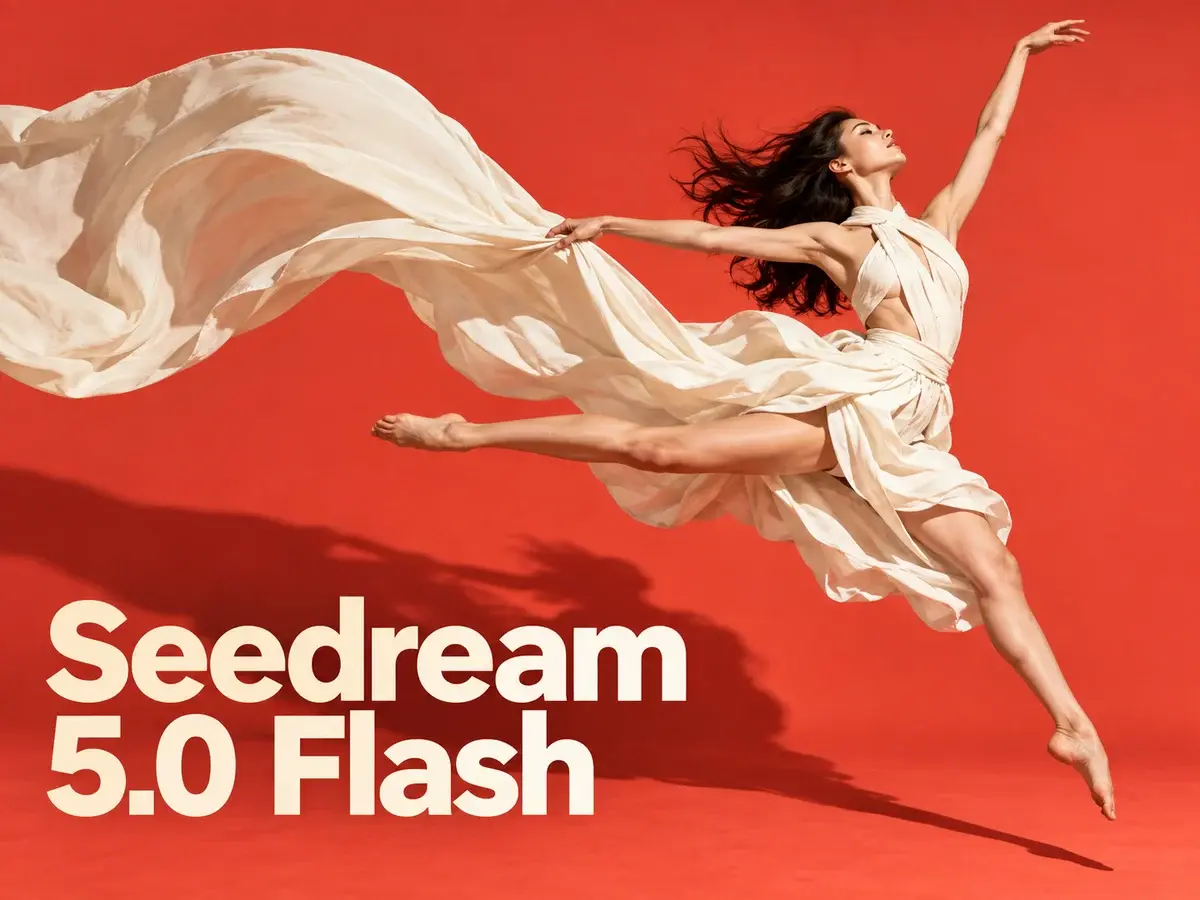
Seedream 5.0 Flash pairs fast text-to-image with reference editing: ten inputs, multilingual text, up to 2K PNG/JPEG, 3 credits per image.
AI Tools
Explore AI tools

Free AI Image
Truly Free AI Image Generator

AI Image Editor
AI Photo Editor Online

Image Upscaler
Enhance image resolution effortlessly

AI Color Changer
Transform photo colors in seconds

AI Room Designer
Design your dream room with AI-powered 3D rendering

Skin Enhancer
Enhance skin texture naturally with AI
Face Editor
Enhance face texture naturally with AI

AI Clothes Changer

Why Choose Seedream 5.0 Flash
The budget-and-speed option inside ByteDance's Seedream 5.0 lineup, built for quick renders and multi-reference edits.
- Speed Tier of the 5.0 FamilySits at the value end of ByteDance's Seedream 5.0 lineup, one step below the flagship Seedream 5.0 Pro.
- One Price, Any ResolutionA single 3-credit charge covers 1K, 1.5K or 2K; edits match that price and uploaded references cost nothing.
- Ten-Image Reference EditingBring as many as ten references, spell out the change, and let Flash merge them into a single output.
How to Use Seedream 5.0 Flash
Three steps to generate or edit images with Flash.
Seedream 5.0 Flash FAQ
Quick answers on Flash generation, editing, credits and output sizes.
How does Seedream 5.0 Flash compare with Seedream 5.0 Pro?
Flash sits at the speed-and-value end of Seedream 5.0, while Pro is ByteDance's flagship — top visual fidelity, standout typography and output up to 2K.
Which output resolutions and aspect ratios can I choose?
Pick 1K, 1.5K or 2K, and choose among many ratios — anything from 21:9 widescreen through to 9:16 vertical.
How are credits charged for 1K, 1.5K and 2K images?
One image is 3 credits at any resolution. Edits are priced the same, and reference uploads add nothing to your bill.
How many reference images can I use in one edit?
Ten is the ceiling. Add your references, explain the change, and Flash merges the subjects, products and styles into one output.
Can Seedream 5.0 Flash render text in multiple languages?
Yes. You can bake legible lettering into a picture in English or other languages — handy for posters, menus, social posts and product mockups.
What models are included in the Seedream series?
Seedream 5.0 Pro, Seedream 5.0, Seedream 4.5 and Seedream 4, each with its own balance of fidelity, typography and generation quality.
Try Seedream 5.0 Flash
Type a prompt or bring ten references and edit — one image is always 3 credits, delivered up to 2K as PNG or JPEG, with references free.