Feedback
😢 Every free AI generation costs us real GPU money. We pay out of pocket to keep this free for you.
💎 Upgrade to Pro and unlock:
- ✓HD Download
- ✓No Watermark
- ✓Unlimited Generations
AI Instagram Post Generator
Describe a post or drop in a product shot and this AI Instagram Post Generator returns a polished graphic, already sized for your feed — no layout work needed.
AI Tools
Explore AI tools

Free AI Image
Truly Free AI Image Generator

AI Image Editor
AI Photo Editor Online
Gpt Gif Generator

Image Upscaler
Enhance image resolution effortlessly

AI Color Changer
Transform photo colors in seconds
AI Room Designer
Design your dream room with AI-powered 3D rendering

Skin Enhancer
Enhance skin texture naturally with AI
Face Editor
Enhance face texture naturally with AI
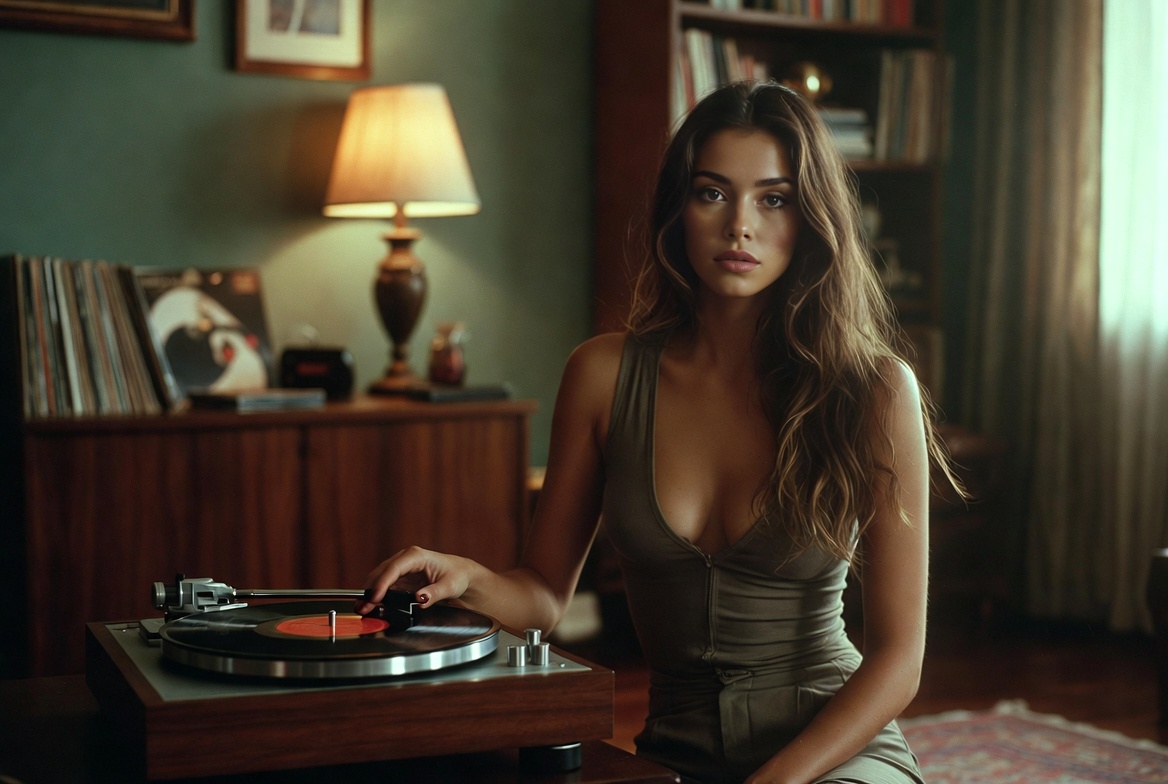
Why Creators Use This Instagram Post Generator
Turn a prompt or product photo into a polished, on-brand feed post — sized right, styled right, ready to publish.
- Feed-Ready SizesGet square, portrait, and carousel-ready layouts that match your real feed without manual cropping.
- Premium CompositionClean layouts, sharp text hierarchy, and a consistent look keep every post professional.
- Products Stay On-BrandDescribe or upload a product once and keep its shape and color cues across every layout.
How to Create Instagram Posts With AI
Three steps from a quick brief to a downloadable Instagram post.
Instagram Post Generator FAQ
Quick answers about making Instagram posts with AI.
Can I batch generate multiple hooks from one brief?
Yes. Start from a single brief and produce several posts that test different hooks, layouts, colors, product angles, and text styles, so you can compare creative options faster.
Can I refine an uploaded photo before generating?
Yes. Upload a product shot, portrait, or brand visual, clean up the details in the AI photo editor, then turn the refined image into a polished feed post.
Can a post idea become a motion video?
Yes. When a campaign needs movement, take the same idea and make an Instagram video from it instead of rebuilding the concept from scratch.
How do I keep a campaign series consistent?
Keep the same color mood and brand tone across every version you generate from one campaign message, so the whole series reads as one set.
How can I refresh my feed's visual style?
Generate new AI images as visual inspiration, then carry that style into quote, tip, event, and announcement posts.
How are credits used when generating posts?
Credit use depends on the tool and model you choose, how many outputs you request, and the image resolution. Unused subscription credits do not roll over to the next billing cycle.
Turn Ideas Into Publish-Ready Instagram Posts
Go from a prompt to a polished feed visual in seconds with Pollo AI, then extend the same idea into video and photo edits.