Feedback
😢 Every free AI generation costs us real GPU money. We pay out of pocket to keep this free for you.
💎 Upgrade to Pro and unlock:
- ✓HD Download
- ✓No Watermark
- ✓Unlimited Generations
AI Tattoo Generator from Photo
Turn portraits, couple photos, pet pictures, or memorial images into tattoo concepts with our AI Tattoo Generator from Photo, then preview on realistic skin.
AI Tools
Explore AI tools

Free AI Image
Truly Free AI Image Generator

AI Image Editor
AI Photo Editor Online

Image Upscaler
Enhance image resolution effortlessly

AI Color Changer
Transform photo colors in seconds

AI Room Designer
Design your dream room with AI-powered 3D rendering

Skin Enhancer
Enhance skin texture naturally with AI
Face Editor
Enhance face texture naturally with AI
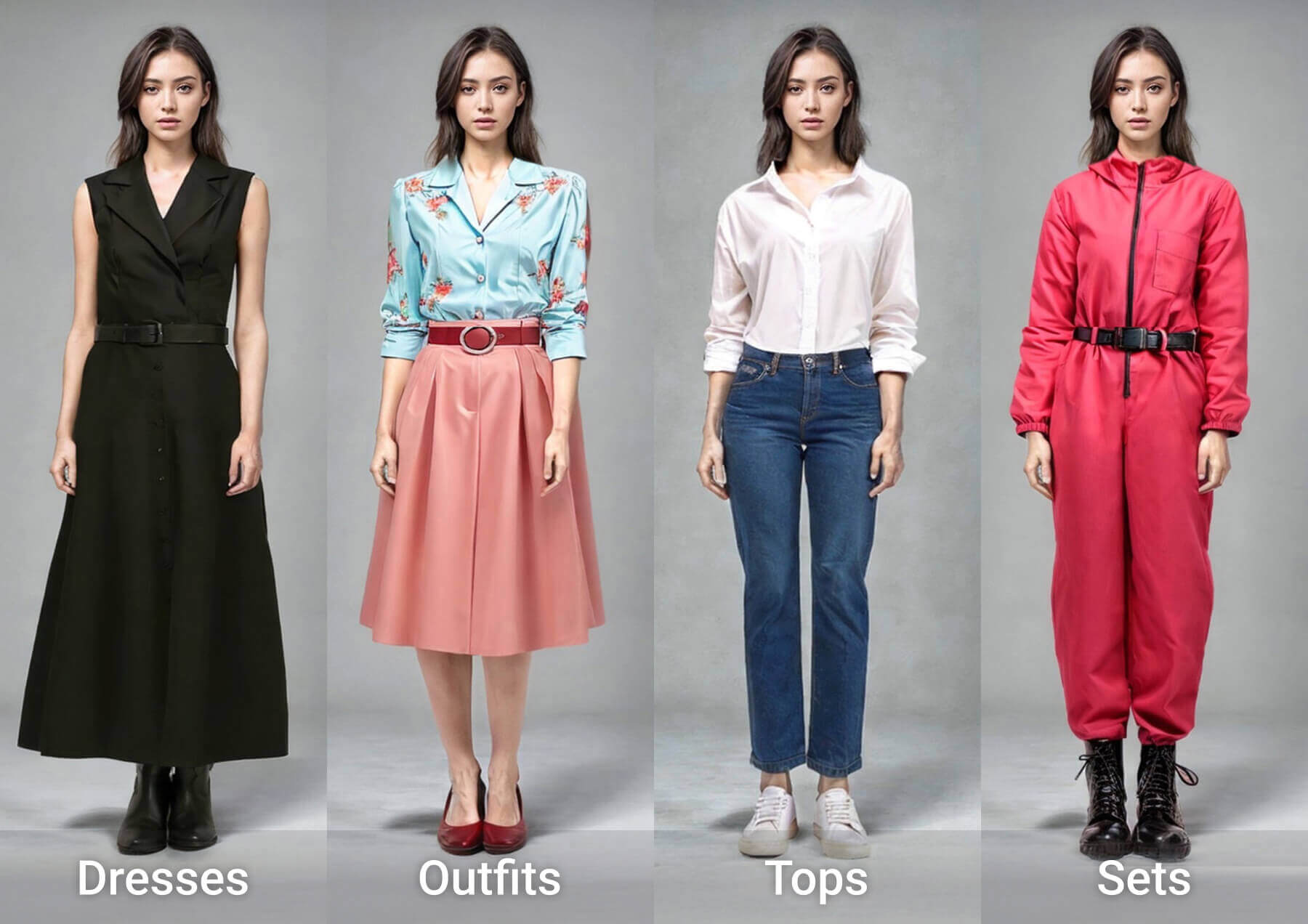
AI Clothes Changer
Why Use the Photo to Tattoo Generator
One photo becomes a tattoo concept you can compare, tweak, and preview on skin.
- Photo to TattooBring one clear photo — a face, a pet, a couple — and AI rebuilds it as ink.
- Style ComparisonSwitch between sketch, dotwork, or fine line without re-uploading a thing.
- Custom Text & SymbolsType a name, a date, or a small symbol and say where it should sit.
How to Use the Photo to Tattoo Generator
Three ways to turn a personal photo into tattoo artwork and test it on skin.
FAQs About the AI Tattoo Generator from Photo
Answers on styles, custom text, skin previews, and free credits.
How does the photo-to-tattoo AI work?
Upload a clear image, name the style and placement, and the AI returns tattoo variations you can compare and preview on skin.
Can my own photo become a realistic tattoo?
Yes — selfies, wedding shots, family portraits, and pet photos work; sharp faces and clean backgrounds give the best likeness.
Can I add names, dates, and custom text?
Yes. Give the exact wording and its position — a name, date, Roman numerals, or a short quote. Review AI lettering before inking.
Which tattoo styles can I generate?
Pick realism, fine line, minimalist, sketch, watercolor, dotwork, or neo-traditional looks, then compare versions from one photo.
Is the generator free, and is the result a final design?
Free credits come with signup; limits and premium models vary by plan. Treat output as a concept for your artist, not a ready stencil.
Can I preview different body placements?
Yes — preview a wrist, forearm, shoulder, back, chest, hand, or leg, with simulated skin texture, ink spread, and fresh gloss.
Create Your Tattoo Concept with the AI Tattoo Generator from Photo
Upload a photo, claim free credits, generate concepts in several styles, and download a reference for your artist.