
Feedback
😢 Every free AI generation costs us real GPU money. We pay out of pocket to keep this free for you.
💎 Upgrade to Pro and unlock:
- ✓HD Download
- ✓No Watermark
- ✓Unlimited Generations
MiniMax H3 Image Editor
MiniMax H3 Image Editor blends prompts with up to 16 reference images. Label each one Picture 1, Picture 2 and export native 16MP results up to 6272×2688.
AI Tools
Explore AI tools

Free AI Image
Truly Free AI Image Generator

AI Image Editor
AI Photo Editor Online
Gpt Gif Generator

Image Upscaler
Enhance image resolution effortlessly

AI Color Changer
Transform photo colors in seconds
AI Room Designer
Design your dream room with AI-powered 3D rendering

Skin Enhancer
Enhance skin texture naturally with AI
Face Editor
Enhance face texture naturally with AI

Where the MiniMax H3 Image Editor Excels
Three things separate this model from 1–4 megapixel generators: huge native output, text that understands meaning, and multi-image edits.
- 16 Megapixels, No Upscale StepAbout 16MP per pass, up to 6272×2688 — print-ready without enlarging.
- Type That ReasonsSolves bilingual logic puzzles with legible stamps and tables for infographics.
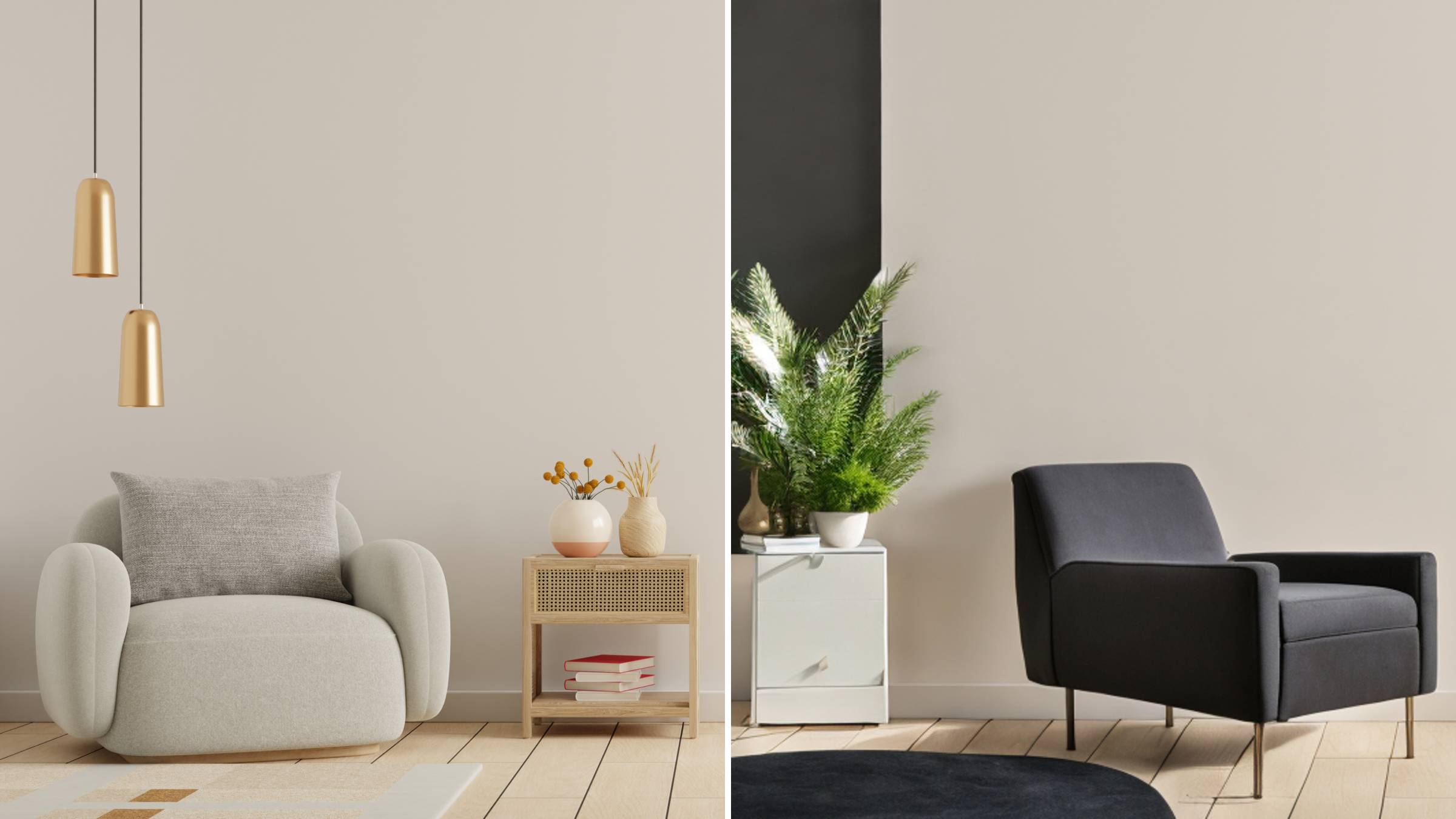
- Edits With 16 ReferencesUp to 16 numbered uploads: nine furniture shots furnish an empty room.
How to Prompt the MiniMax H3 Image Editor
Three habits get the most out of H3 Image — describe the whole scene, size near 16 megapixels, and number your references before refining the prompt.
MiniMax H3 Image Editor FAQ
Quick answers on output size, reference limits, open weights and availability.
How large are the images it can produce?
Output lands near 16 megapixels in one pass — a 1:1 frame of 4096×4096, widening to 6272×2688 at 21:9. Nothing needs enlarging afterward.
How many reference images can I upload for an edit?
Between 1 and 16. Upload order names them, so the first file is Picture 1, the second Picture 2, and you can point to any of them inside the prompt.
Is MiniMax H3 Image open source?
Open weights are released for local use, and hosted Standard and Highspeed versions are offered alongside them.
What is the difference between the Standard and Highspeed versions?
Both are the same model with different tuning: Standard leans toward fidelity, Highspeed toward faster generation, so you pick the speed-versus-quality trade-off.
Does it share anything with the MiniMax H3 video model?
They belong to one H3 family: this model makes stills, while the MiniMax H3 entry in our video catalogue makes moving footage.
Is the editor available on GoEnhance right now?
Not yet — we have not added MiniMax H3 Image to GoEnhance and will update this page the moment it goes live. Meanwhile Nano Banana 2.1 runs in our text-to-image studio with 4K output, clean text and several reference slots.
Create Now With Nano Banana 2.1
The MiniMax H3 Image Editor is not on GoEnhance yet. Start in our text-to-image studio with Nano Banana 2.1 — up to 4K, crisp text, multiple references — and this page will update once it lands.